
Google Play Store
Google Play Store is Google's digital distribution platform for Android, used to find, install and update apps, games and books.
101.1 MB
1.1 · Sangapps · Page updated
A small Android app by Sangapps named after the iPhone App Store. It is not made by Apple and cannot install iPhone apps on Android.
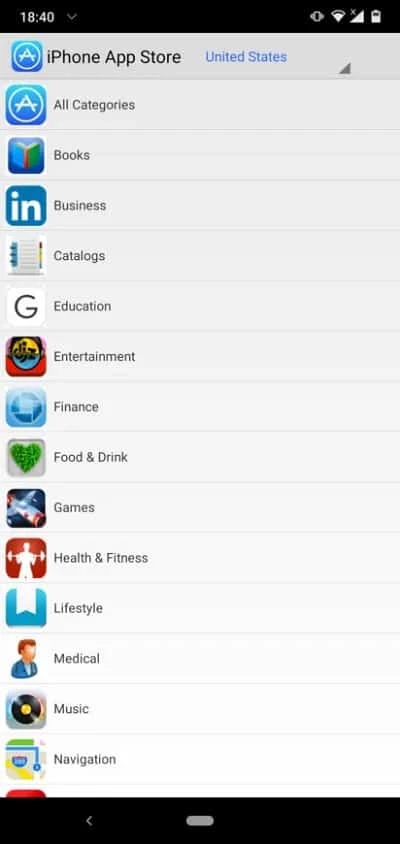
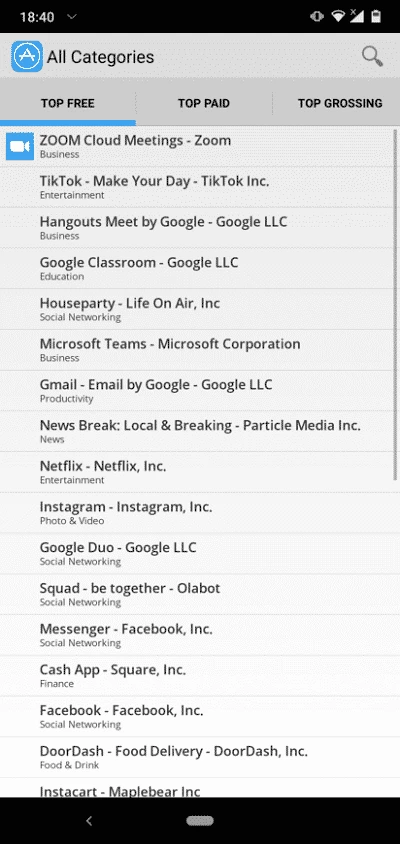
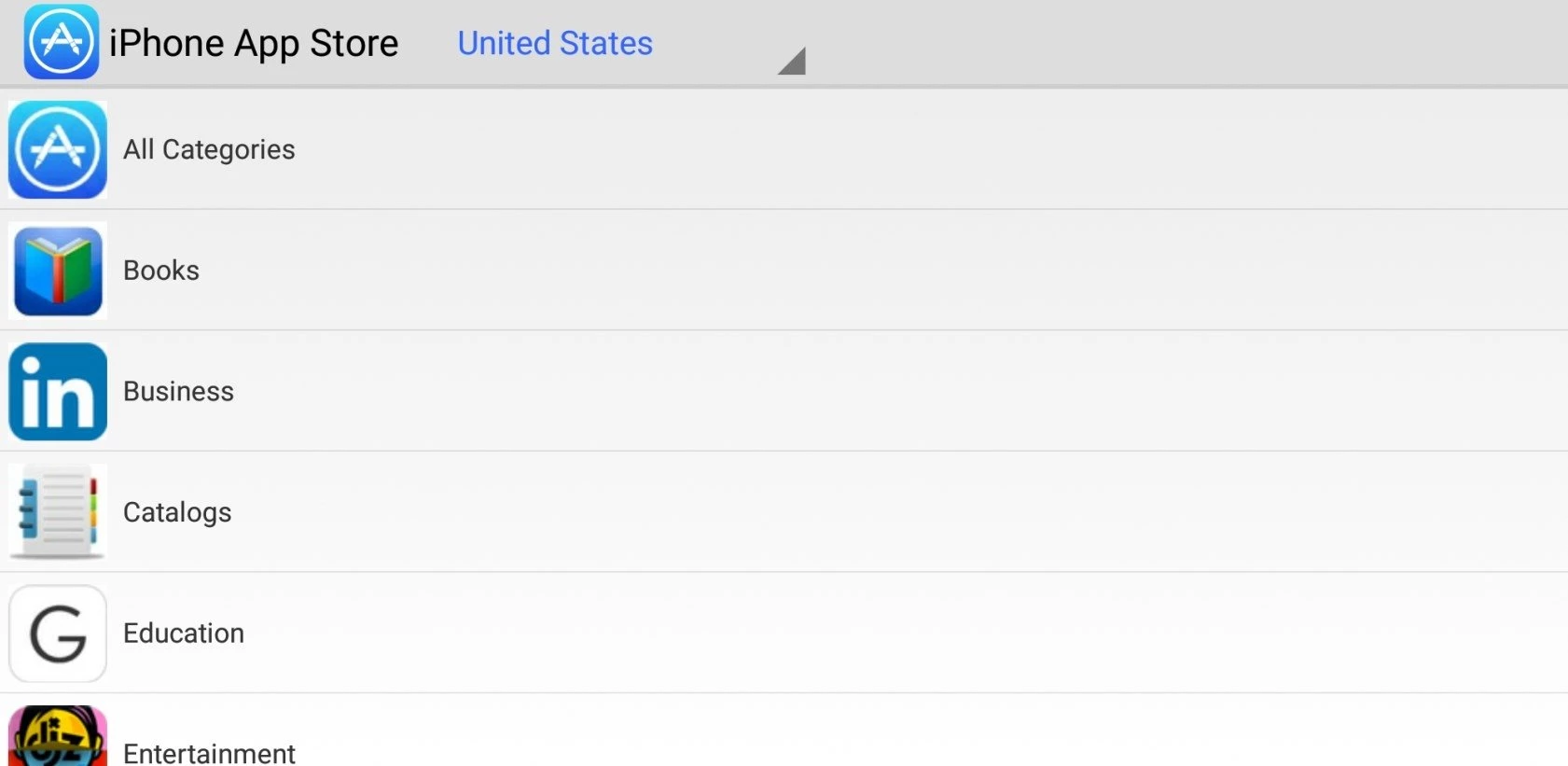
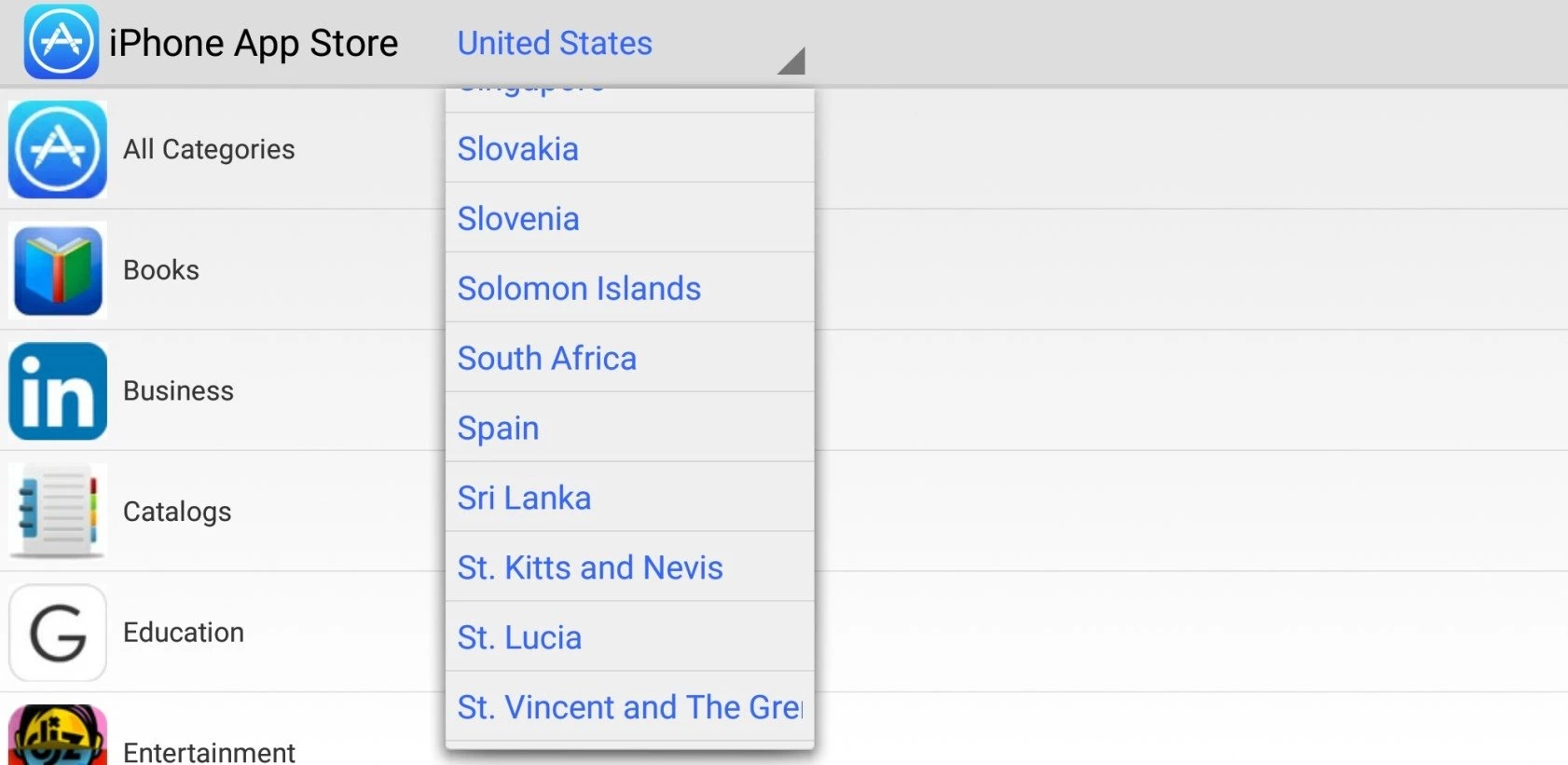
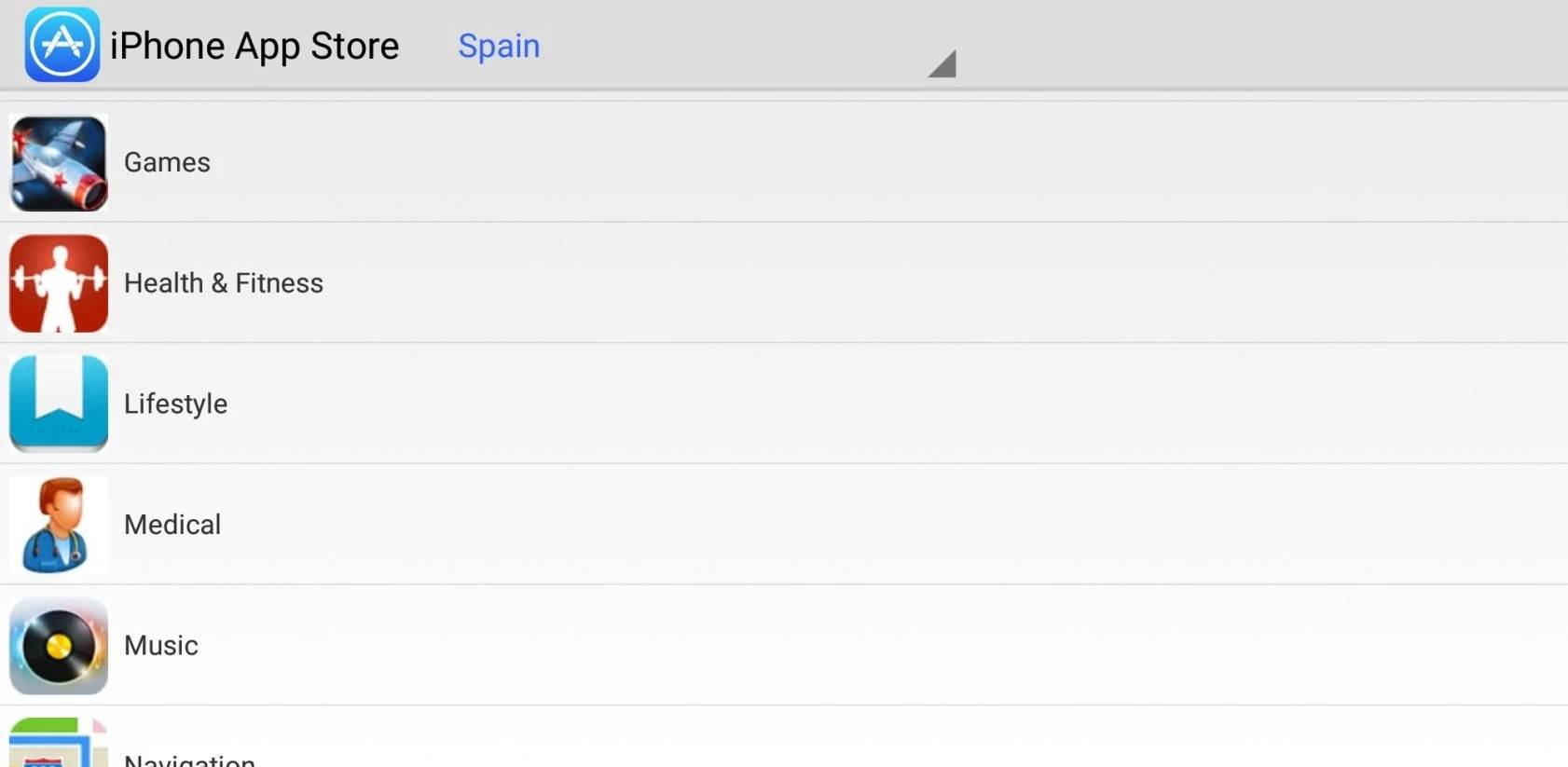
iPhone App Store 1.1 is a small Android app from a developer called Sangapps, and despite its name it has nothing to do with Apple. Many people search for an iPhone App Store download for Android hoping to get iPhone apps on their phone, so this page explains what such an app can and cannot do.
No. The App Store is Apple's own store, and it exists only on Apple devices such as the iPhone, iPad and Mac. Apple does not publish an App Store app for Android. This program is a third-party app that uses the name, and it is not developed, approved or supported by Apple. Our data contains no official website or store page for it, only the developer name, version 1.1 and a very small package size of about 945.1 KB according to catalogue data. That small size alone tells you it cannot contain a store with real iPhone software.
No app can make that happen. iPhone apps are built for iOS, Apple's operating system, and distributed only through Apple. Android uses a different system, different app packages and different stores. At best, an app like this imitates the look of the iPhone store, shows links to Android versions of popular apps, or acts as a themed launcher; at worst, it is a vehicle for ads. If you want the iPhone look on Android, a launcher or icon pack from Google Play is the honest way to get it. If you want a particular iPhone app, check whether its developer also publishes an Android version on Google Play: many well-known services do.
Treat it with caution. Apps that borrow the names of big brands often exist to show ads or collect data. Before installing, read which permissions it requests; a store-themed app has no reason to ask for your contacts, SMS or accessibility access. Never enter your Apple ID or Google password into an app like this. If you already installed it and it shows aggressive ads or behaves oddly, uninstall it from Android settings.
The developer publishes no requirements in our data. It is a lightweight Android app, so almost any phone can run it, but that says nothing about whether it is useful.
The app is listed as freeware. Be careful with any in-app offer to "unlock iPhone apps" for money: no payment can make iOS apps work on Android.
For Android apps, use Google Play Store; Huawei AppGallery and Aurora Store, which are also on our site, are other ways to get genuine Android apps. For iPhone apps, the only legitimate route is Apple's App Store on an Apple device.
Google Play Store is Google's digital distribution platform for Android, used to find, install and update apps, games and books.

APKPure is a third-party app marketplace for Android that installs apps from APK files outside Google Play. This page covers version 3.20.7803.

Aptoide is an open-source alternative app store for Android, running since 2009. This page covers version 9.22.5.3.

QuickShortcutMaker is a small Android tool for creating home screen shortcuts to specific screens of installed apps, including hidden settings.